PDF markup that understands
your drawings.
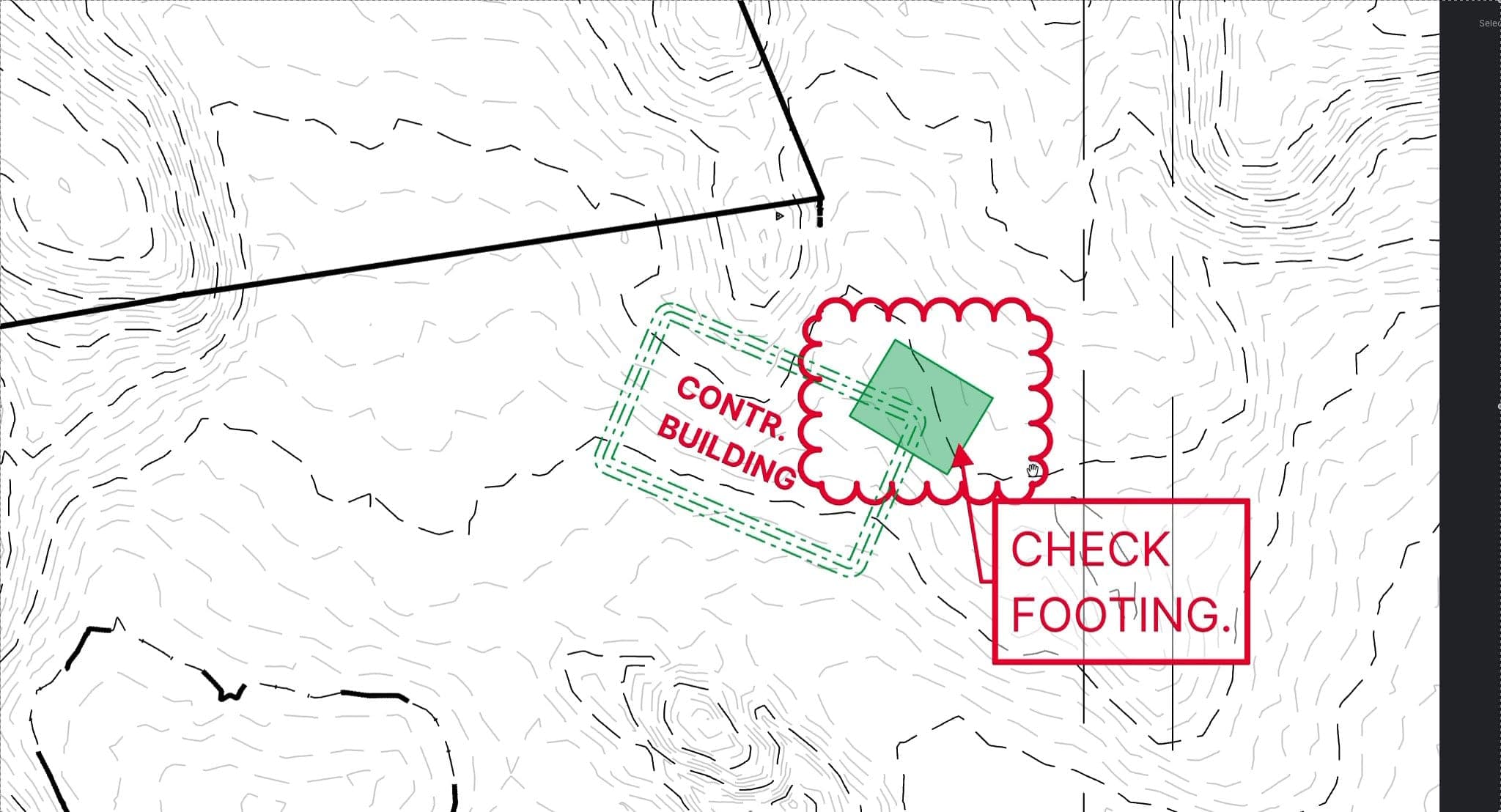
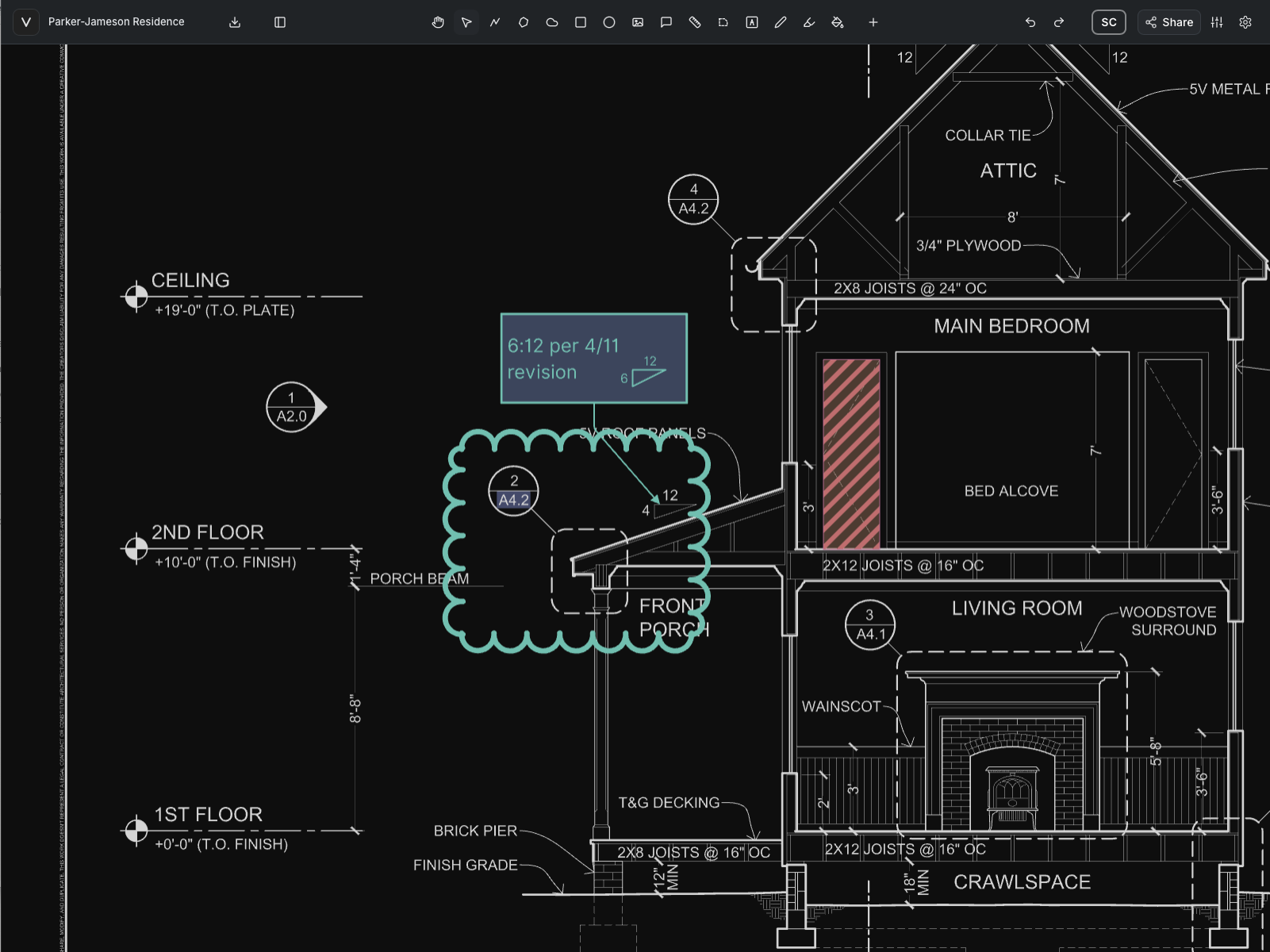
Vellum reads the real linework in your CAD-exported PDFs. Snap to it, measure it to scale, draft on it like CAD, review it together in real time, and send it back out as PDF or DXF. All in the browser, on Windows, Mac, or iPad.
10-day free trial · No credit card required · Pro is $12 per user/month
Founded by a licensed PE · Built for the teams that design, review, and build
Precision
CAD precision, right on the PDF.
Vellum reads the vector linework inside your drawings, so every snap, measurement, and markup lands on the actual geometry instead of on pixels.

Advanced commands
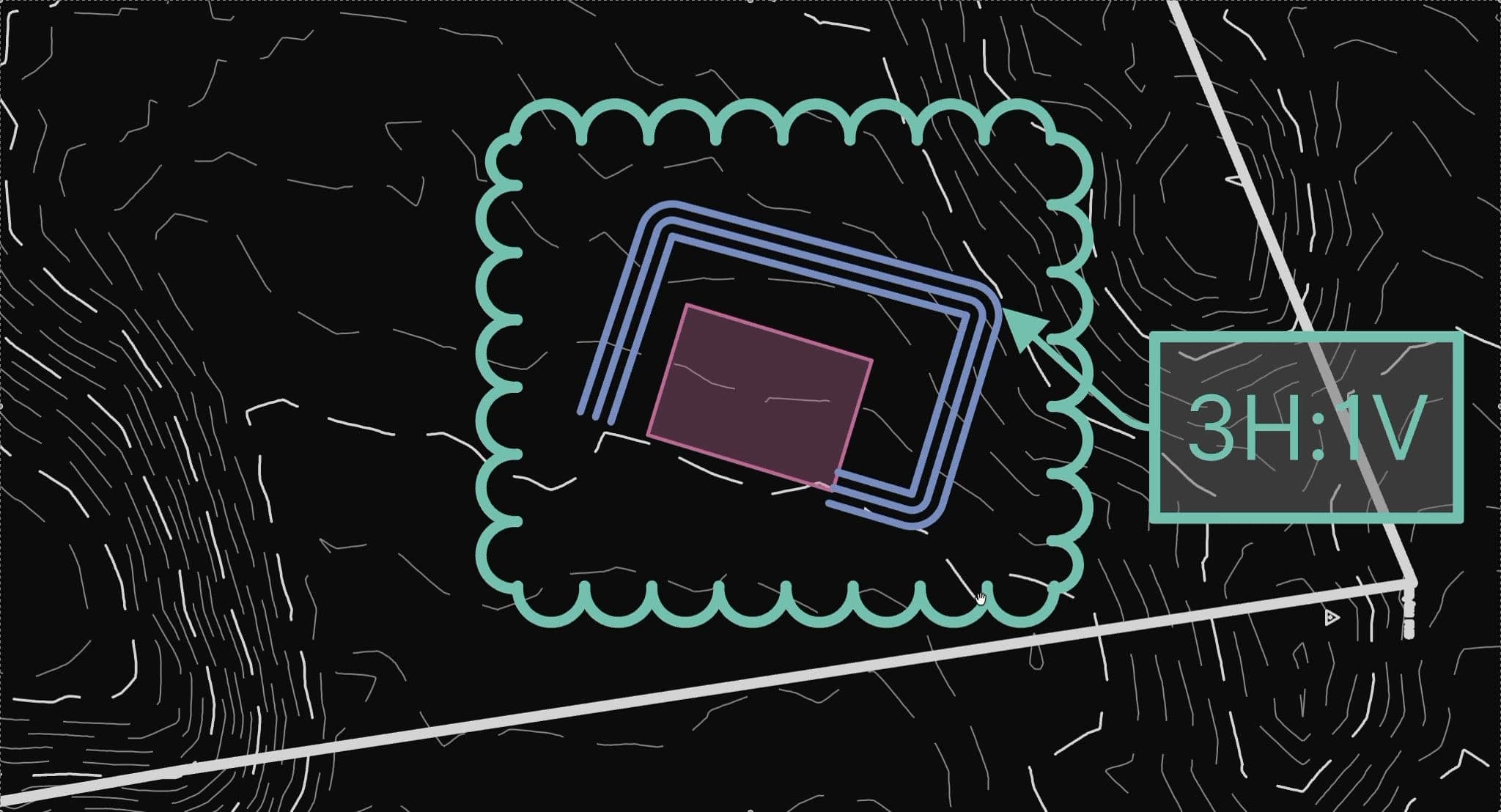
Offset at a typed distance, then trim, extend, mirror, and fillet. Build precise geometry without leaving the drawing.


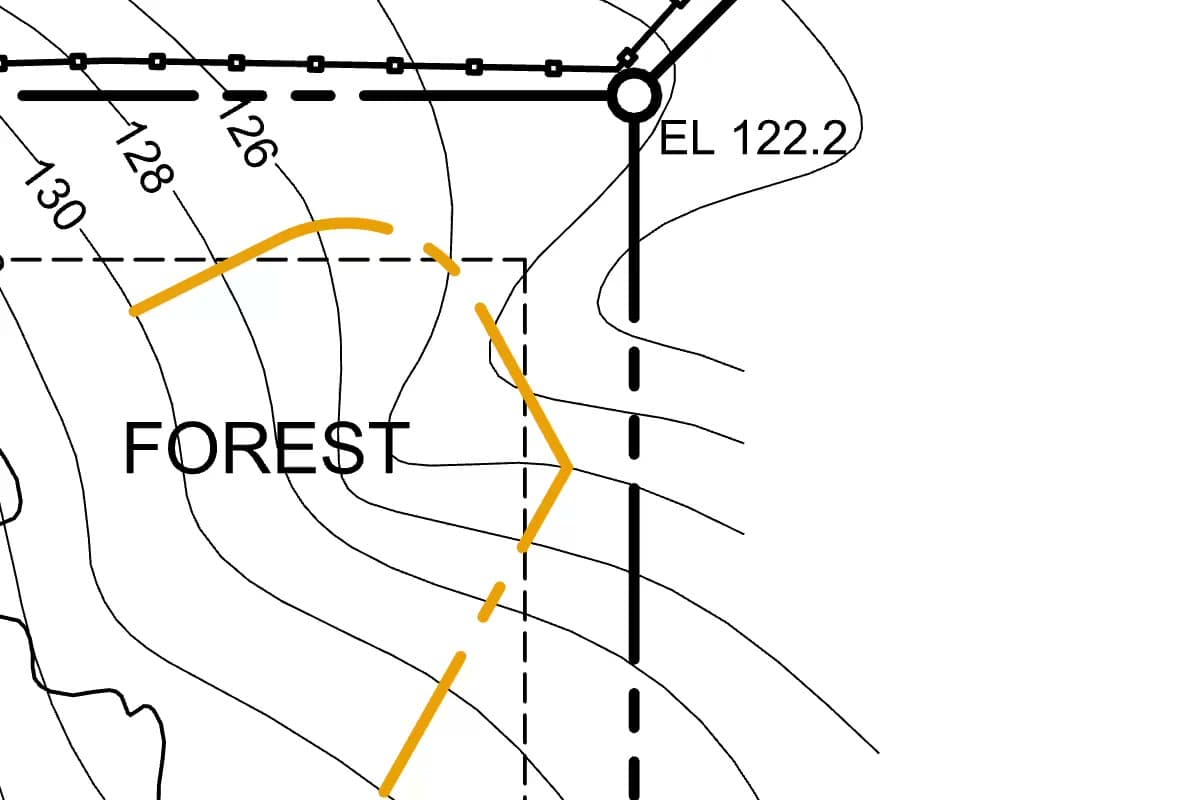
Geometry-aware snapping
Snap to real endpoints, midpoints, intersections, and centers in the PDF's own linework.
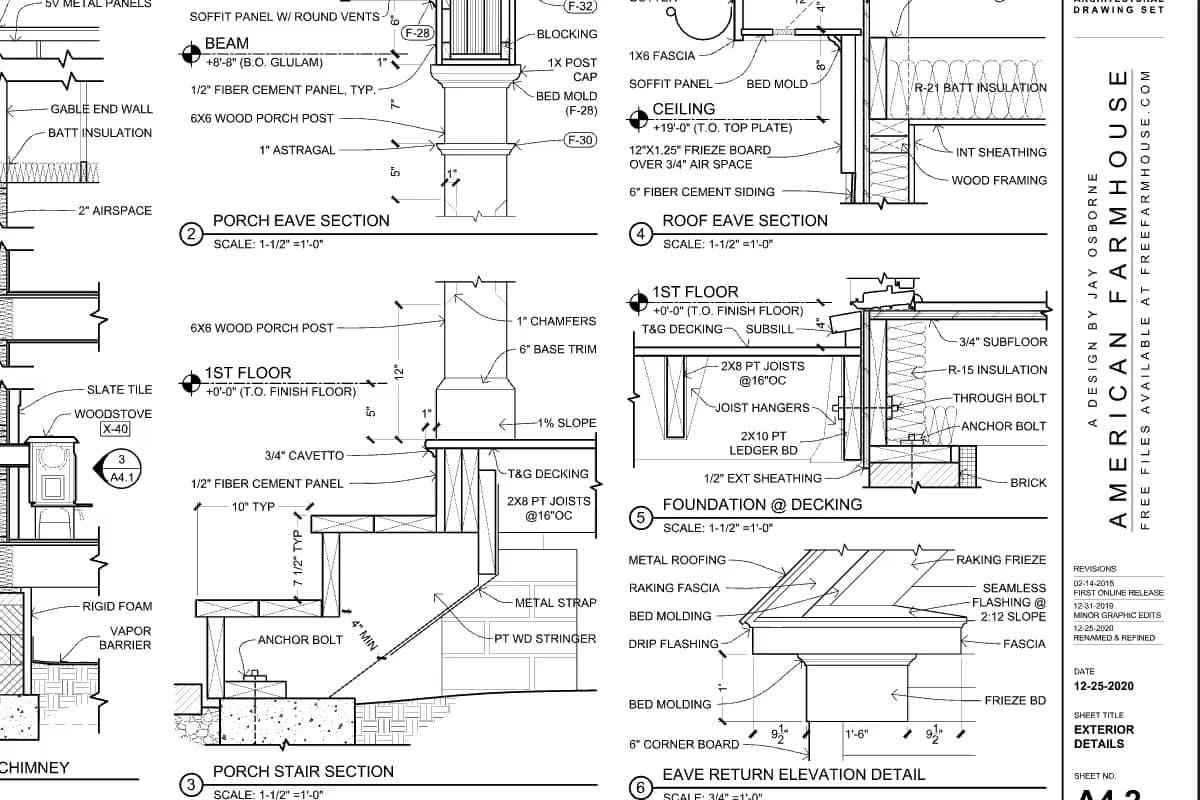
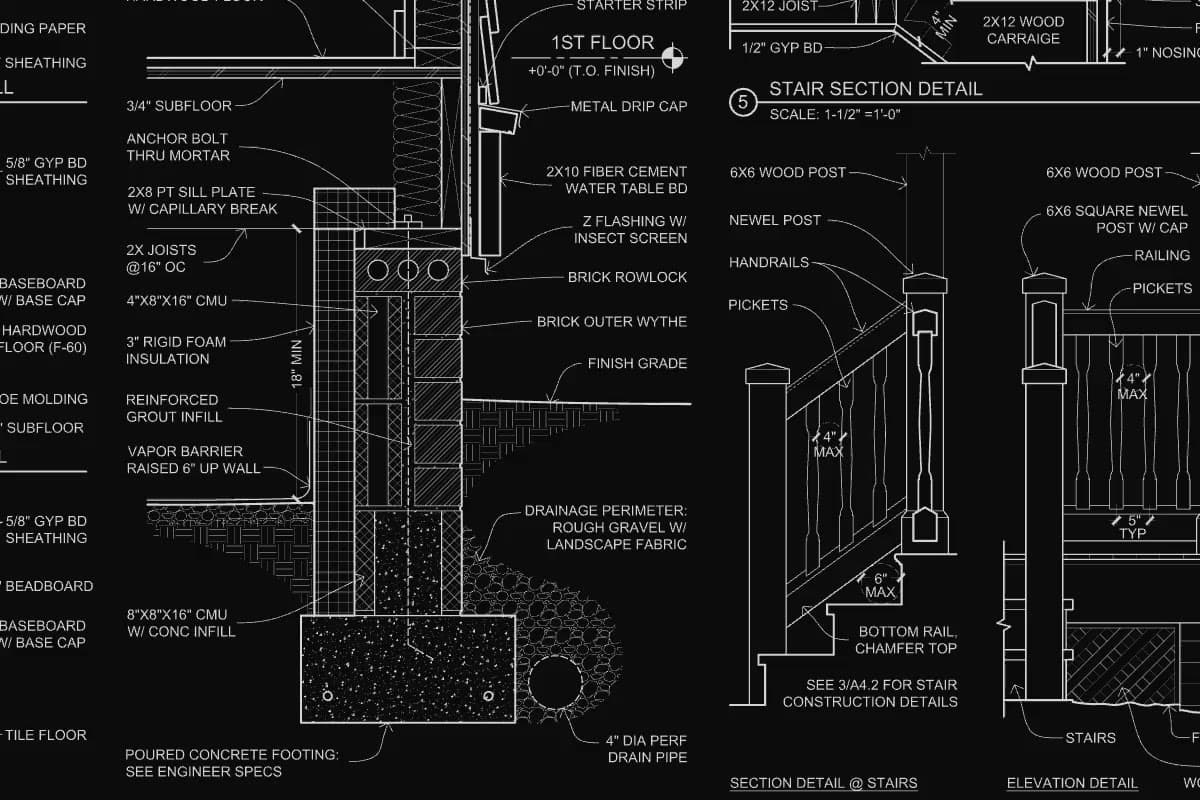
True vector rendering
Linework renders as true vectors, so it stays sharp from the full sheet down to a single detail.
Why teams switch
The review workflow, without the workarounds.
Parallels on a Mac. Separate sessions to set up and host. Redlines someone redraws in CAD. Vellum starts from the friction engineers and reviewers keep running into.
The usual workaround
With Vellum
Platform
The usual workaround: Running a Windows-only desktop app on a Mac, or settling for a lighter app on the tablet.
With Vellum: One full workspace in the browser on Windows, Mac, iPad, and phone. Nothing to install or update.
Precision
The usual workaround: Sketching a fix freehand on the PDF, then redrawing it in CAD to get real dimensions.
With Vellum: Snap to endpoints, intersections, centers, and perpendiculars in the PDF, and type exact lengths, angles, and slopes as you draft.
Drafting
The usual workaround: Markup tools that annotate the page but leave trimming and extending to CAD.
With Vellum: Offset, trim, extend, mirror, and fillet. Trim and extend even work on the PDF's own linework.
Collaboration
The usual workaround: Setting up a separate session to review together, and needing a higher-tier plan just to host it.
With Vellum: Share a link. Everyone works in the same live document, with presence, comment threads, and follow camera.
Handoff
The usual workaround: Redlines that end at a flattened PDF, so the drafter traces them again by hand.
With Vellum: Export DXF with the drawing, the markups, or both, so the change lands in CAD as linework.
Full sets
The usual workaround: Paging through a 200-sheet set one sheet at a time to find the detail you need.
With Vellum: Grid view shows the whole set at once, and split screen keeps the plan beside the detail it references.
Workflow
From drawing to decision.
Inspect, measure, mark up, resolve, and share, all on the same drawing, between CAD revisions.


Start with the details that matter.
Move through the drawing with a focused review workspace built for reading plans, checking intent, and spotting what needs attention.
Desk to site
One drawing, everywhere work happens.
Review in the office, redline in the meeting, and verify in the field, always on the same live drawing.
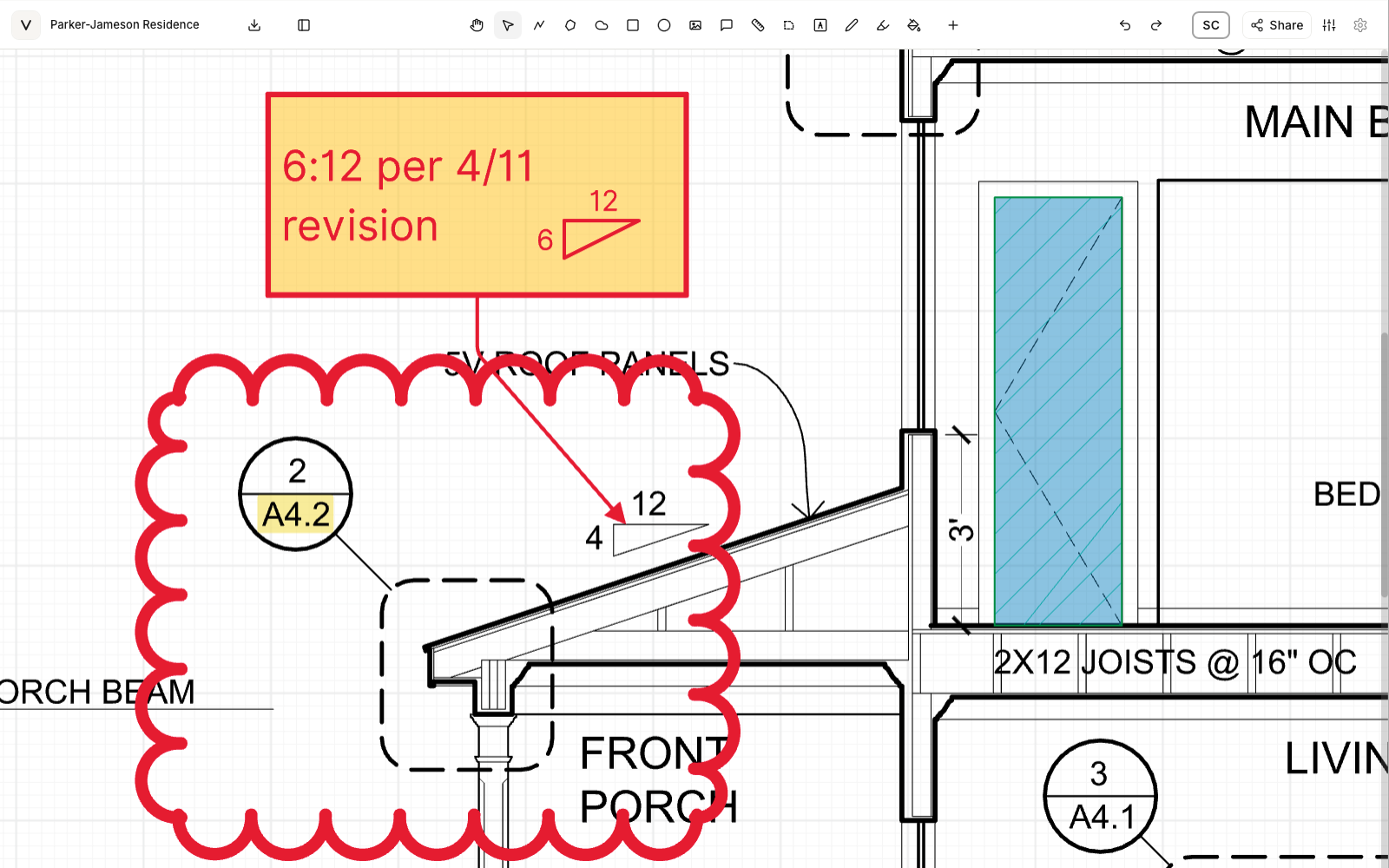
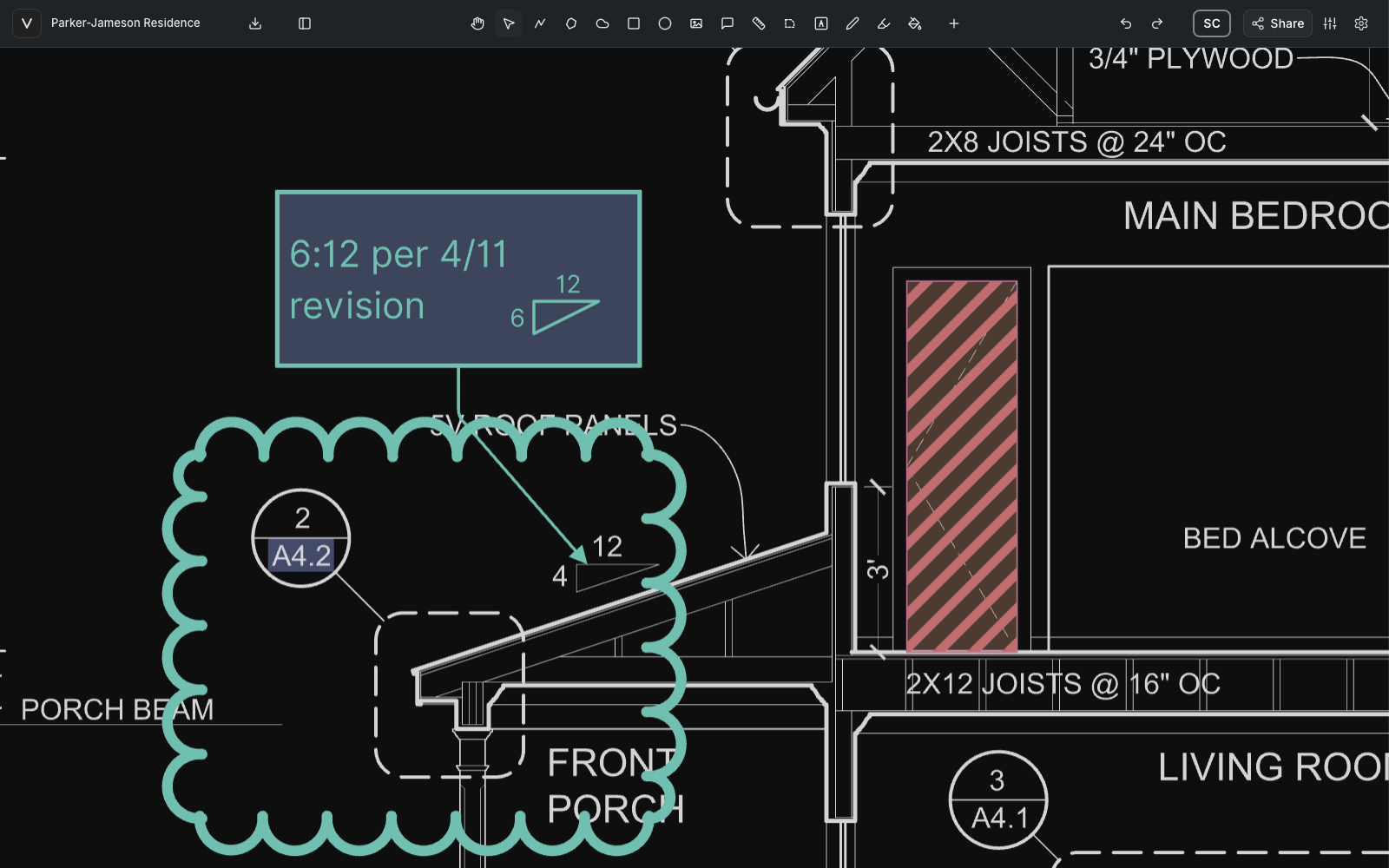
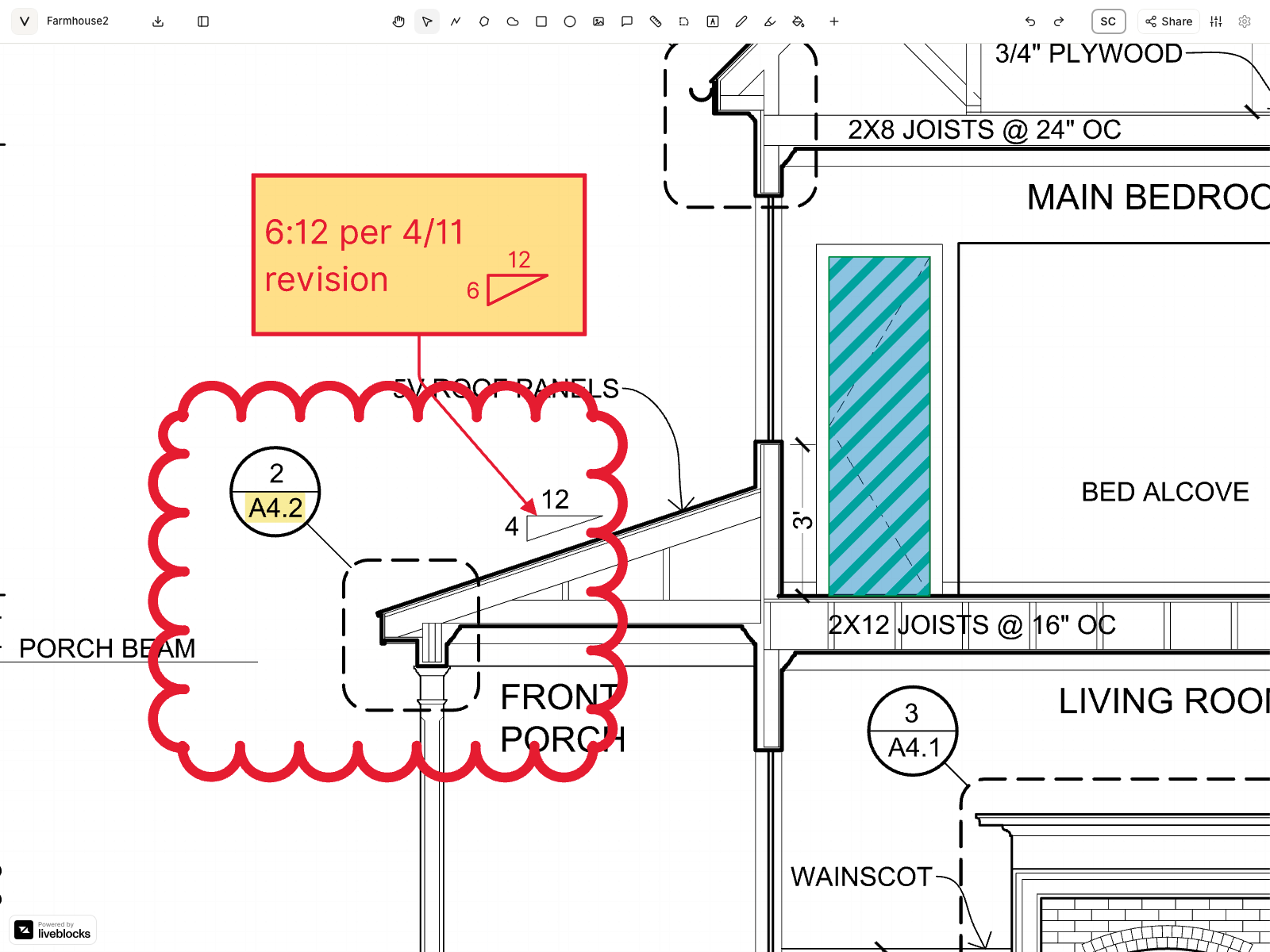
Full workspace in any modern browser. Review drawings, create markups, measure, and export without a heavy install.
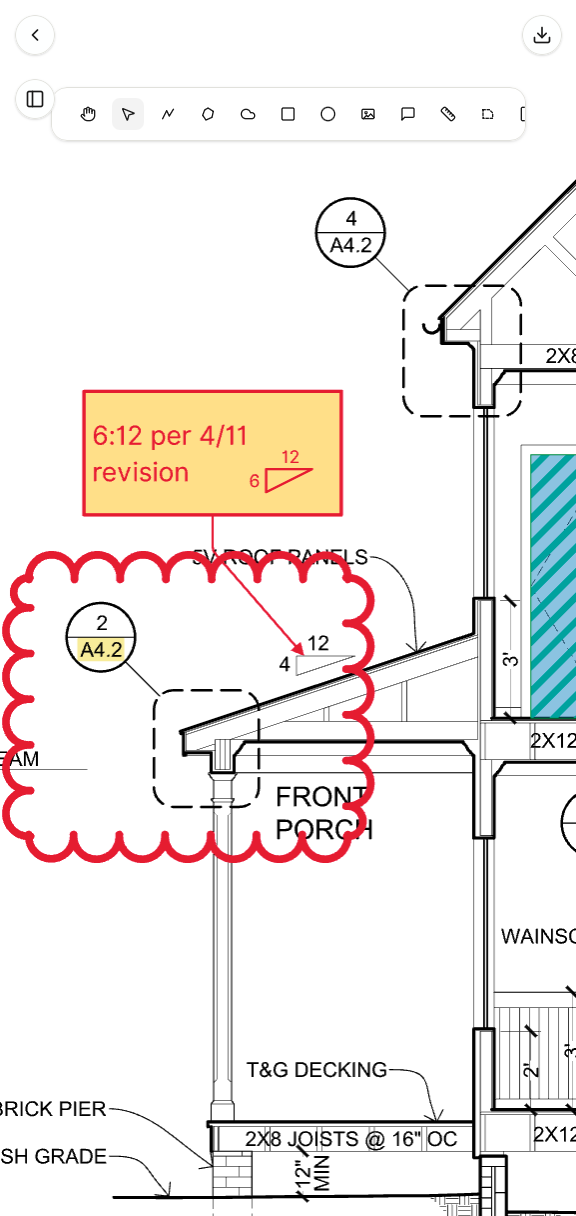
Sketch, review, and resolve details in the room with touch and Apple Pencil support.
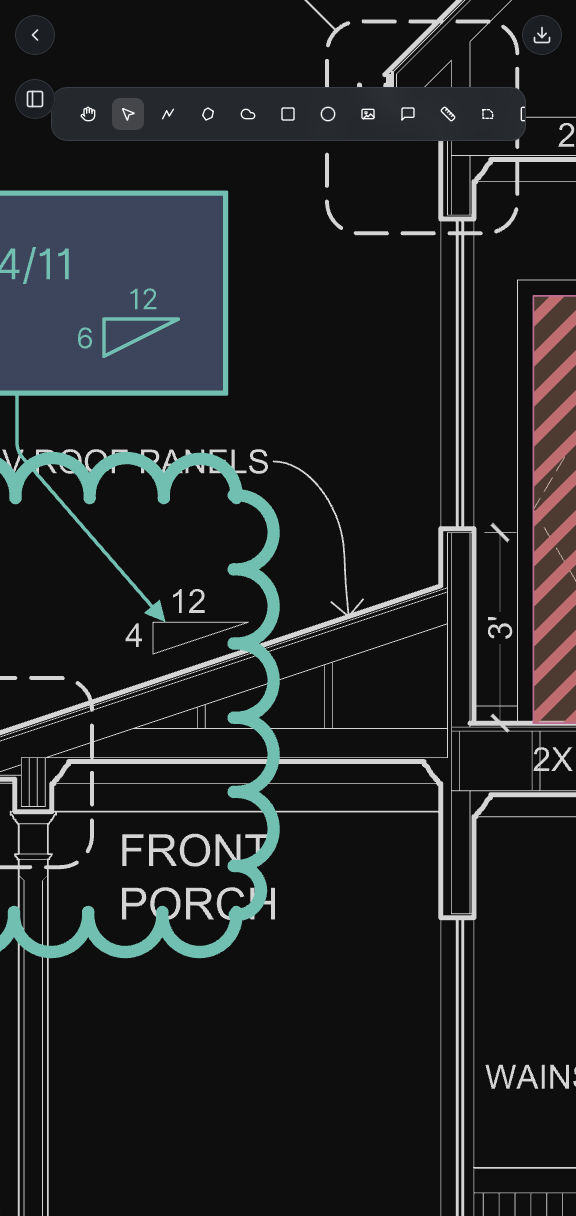
Open the latest drawing on site. Check a dimension, add a note, or share a markup and discuss with the team.
Under the hood
A vector engine,
not a PDF viewer with a pen.
Vellum treats the drawing as geometry, not as a backdrop for annotations, from the moment you upload it. That is why it stays sharp, snaps accurately, and exports clean.
Reads the PDF's geometry
On import, Vellum analyzes each sheet's vector content, so linework and text become geometry you can snap to, extract, and measure, and CAD layers can be hidden, faded, or recolored.
Fast first, then exact
Each sheet appears right away as a quick raster preview, then sharpens into GPU-rendered vectors, so detail holds from the full sheet down to a single callout.
Editable long after
Every markup is a vector entity. Reshape a segment into an arc, convert a polygon to an area, or restyle it weeks later.
Built for full sets
Page, scroll, and grid views, split screen with locked or independent panes, and a library of markups you can place across a range of sheets.
Out the way it came in
Export a flattened or editable PDF, DXF with the drawing, the markups, or both, or a PNG for the slide deck.
Your AI, on your terms
Run drafting commands in plain language, or connect your own Claude to count symbols, build takeoffs, and cloud changes between sheets. In beta.
Our standard
Built to the standard of a stamped drawing.

The decisions on a drawing become roads, buildings, and utilities. Every tool in Vellum is held to one test: would you trust it on a set you have to sign?
Vellum was founded by a licensed Professional Engineer with 19 years in infrastructure design, drawing review, and construction, and is built for the engineers, architects, and reviewers who work on drawings every day.
About VellumPricing
Start with Pro. Scale to the whole firm.
Pro is the full vector toolkit with real-time collaboration built in. Enterprise adds shared workspaces, team management, SSO, and custom deployment.
Viewer
For individuals contributing to Pro projects. Open and view by invite.
- Open & view drawings shared with you
- Join collaboration sessions by invite link
- Markup only within invited sessions
Pro
Beta priceThe full vector markup toolkit for engineers and reviewers.
- Everything in Viewer
- Pen, highlighter, text & shapes
- Polyline, cloud & callout
- Measure, area & scale tools
- Vector extract & region fill
- DXF + annotated PDF export
- Real-time collaboration & presence
10-day free trial · No credit card required
Start free trialEnterprise
For firms that need shared workspaces, team management, SSO, and custom deployment.
- Everything in Pro
- Shared project workspaces
- Team management & permissions
- Enterprise SSO & SCIM
- Custom deployment & SLA
Prices in USD, per user. Pro includes a 10-day free trial, no credit card required.
FAQ
Questions, answered.
Can't find what you need? Talk to sales or read the documentation. Evaluating for your firm? See how Vellum handles security and data.
Weighing your options? See Vellum vs. Bluebeam, Acrobat & Drawboard for the full side-by-side.
See it on your own drawings.
Open a sheet in the browser, snap to the linework, and export it back out. No install, nothing to configure.
10-day free trial · No credit card required · Pro is $12 per user/month