For architects
Redline architectural drawings on Mac, Windows, or iPad.
Mark up sets with clean clouds, callouts, and live dimensions, fill rooms in a click, and walk consultants through every comment in real time. In the browser, on Mac or Windows.
10-day free trial · No credit card required · Pro is $12 per user/month
The problem
Where design review gets messy
A studio on Macs
When your markup app is a Windows desktop program, Mac users end up in virtual machines or on a lighter version.
Comments everywhere
Feedback scattered across emails, screenshots, and meeting notes loses the link to the drawing it's about.
The same markups, again
Detail bubbles, north arrows, and standard notes get redrawn sheet after sheet, project after project.
With Vellum
How Vellum helps architects
At home on a Mac
The full workspace runs in the browser, so Mac, Windows, and iPad users all work in the same tool with the same markups, including Apple Pencil annotation on iPad.
Clouds and callouts that read
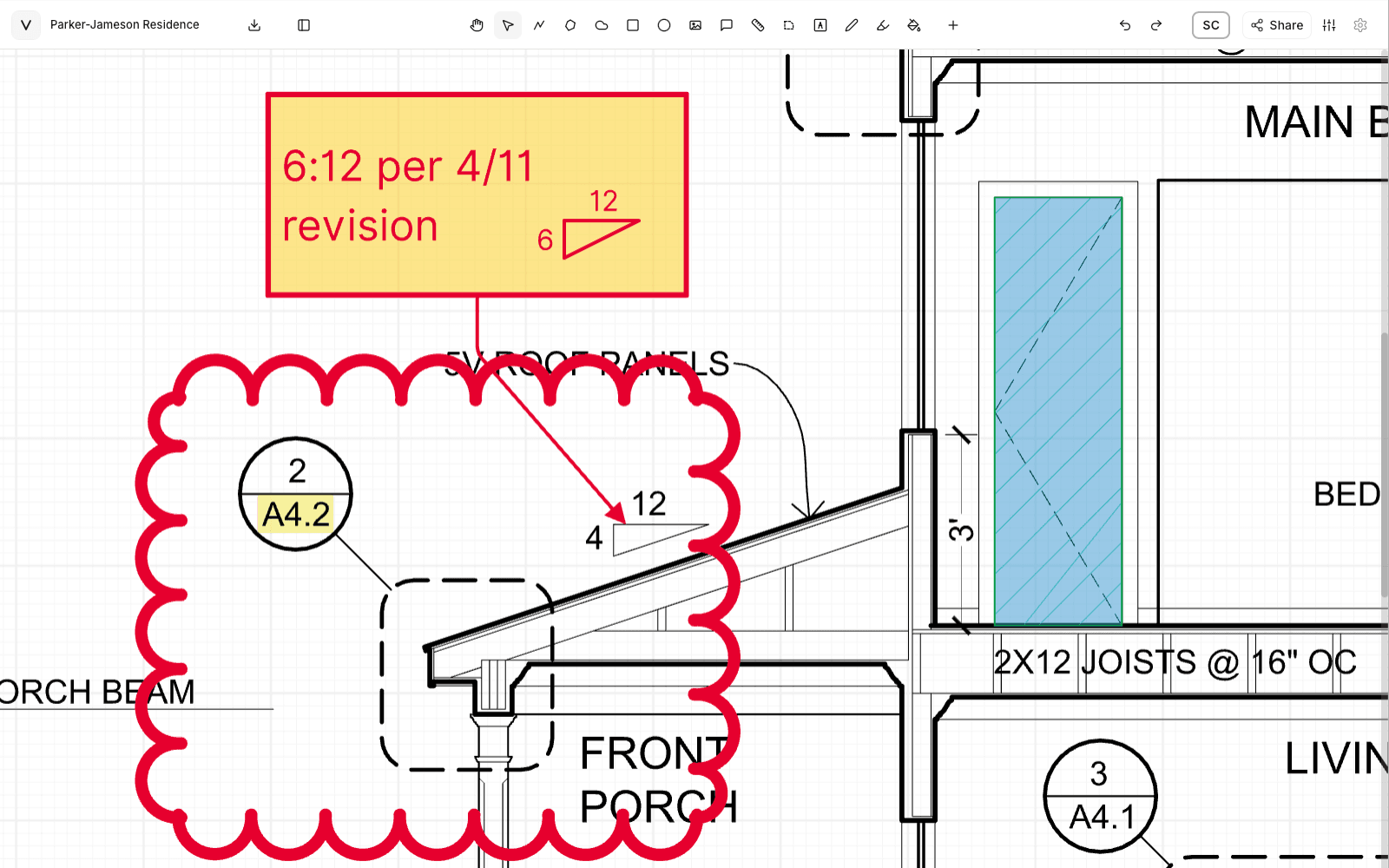
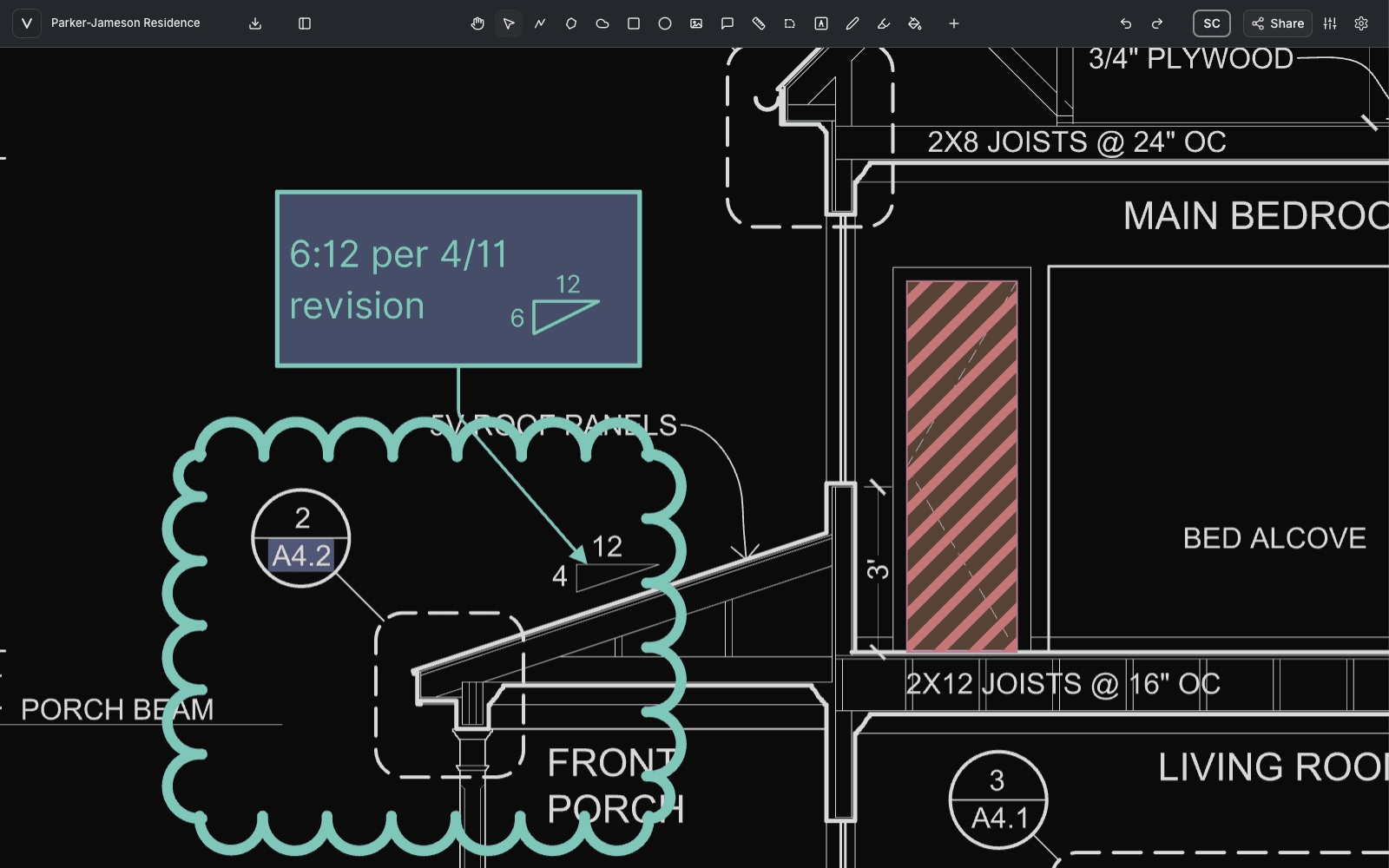
Draw a revision cloud around any selection, adjust leader elbows, and letter notes in ISO 3098 or hand-lettering drafting fonts.
Rooms filled in one click
Region fill traces the walls around a room, handles columns and courtyards as holes, and converts to an area measurement.
Linetypes you already know
Dash styles match Revit's default line patterns, and the search understands Revit names like phantom and overhead. Add hatch and pattern fills.
A library of your standards
Save detail bubbles, north arrows, and note blocks once, then place them on a whole range of sheets in one move.
Review it together
Share a link, see everyone's cursor, keep comment threads on the drawing, and use follow camera to lead the room through a sheet.
Use Vellum for
- Design reviews
- Consultant coordination
- Redlines to the production team
- Room and area checks
- Client walkthroughs
- Standard notes across a set
FAQ
Questions, answered.
- Does Vellum run on a Mac?
- Yes. Vellum runs in any modern browser, so the full workspace works the same on Mac, Windows, and iPad, with Apple Pencil for annotation, and nothing to install.
- Can I measure room areas from a PDF floor plan?
- Yes. Set the drawing scale, then click inside a room with region fill to trace its walls, or outline it with the Area tool. A filled room can be converted to an area measurement with a label at its centroid.
- Can I reuse standard markups across sheets and projects?
- Yes. Save any selection to your Library and place it again on any sheet of any project. Place on multiple pages drops the same item at the same spot across a range of sheets.
- Can consultants mark up the same drawing at the same time?
- Yes. Share the document with an invite link and set each person's role. Edits sync in real time, everyone's cursor is visible, and comment threads stay pinned to the drawing.
See it on your own drawings.
Open a sheet in the browser, snap to the linework, and export it back out. No install, nothing to configure.
10-day free trial · No credit card required · Pro is $12 per user/month