The Vellum workspace
Review, measure, draft, and share engineering drawings in one vector workspace.
Markup, measurement, CAD-style drafting, live collaboration, and clean export, built on a drawing engine that understands the linework in your PDFs.
Rendering
Sharp at every zoom, fast on full sets.
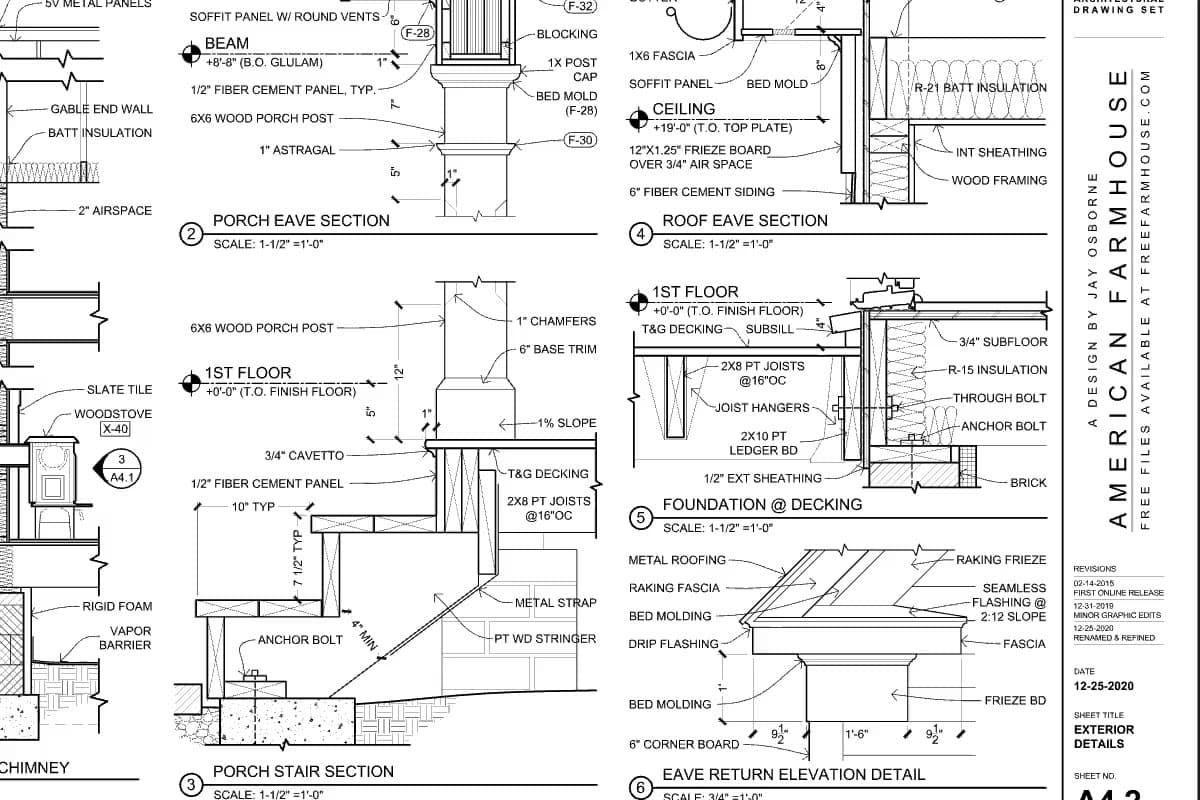
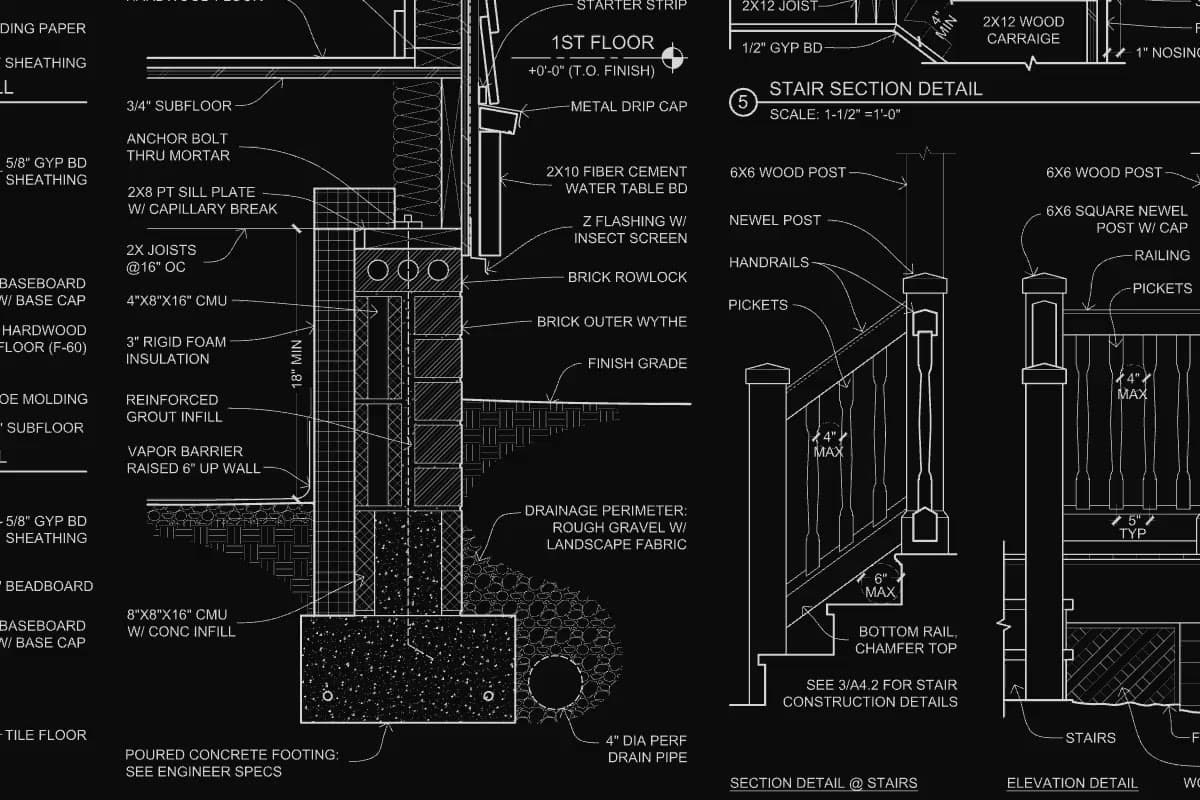
Sheets open fast as a quick raster preview, then sharpen into GPU-rendered vector geometry built from each sheet's own content. Zoom from the whole sheet to a single callout and the linework holds.
- Page, continuous scroll, and grid views for large sets
- Split screen with independent or locked panes
- PDF text search and a hover preview strip for jumping between sheets
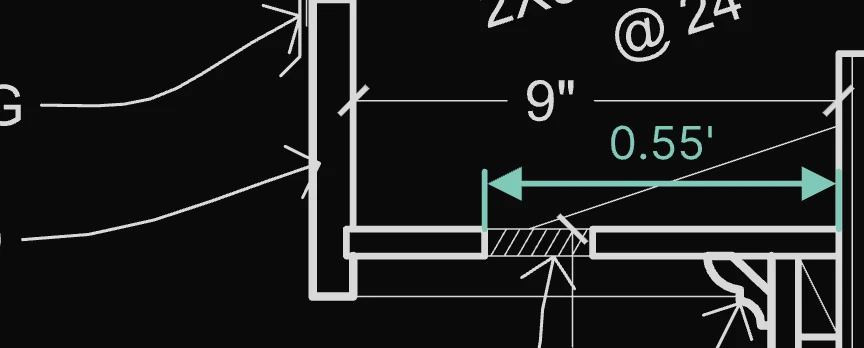
- Document night mode and hairlines-only display for dense sheets
Snapping
Snaps that land on the drawing, not near it.
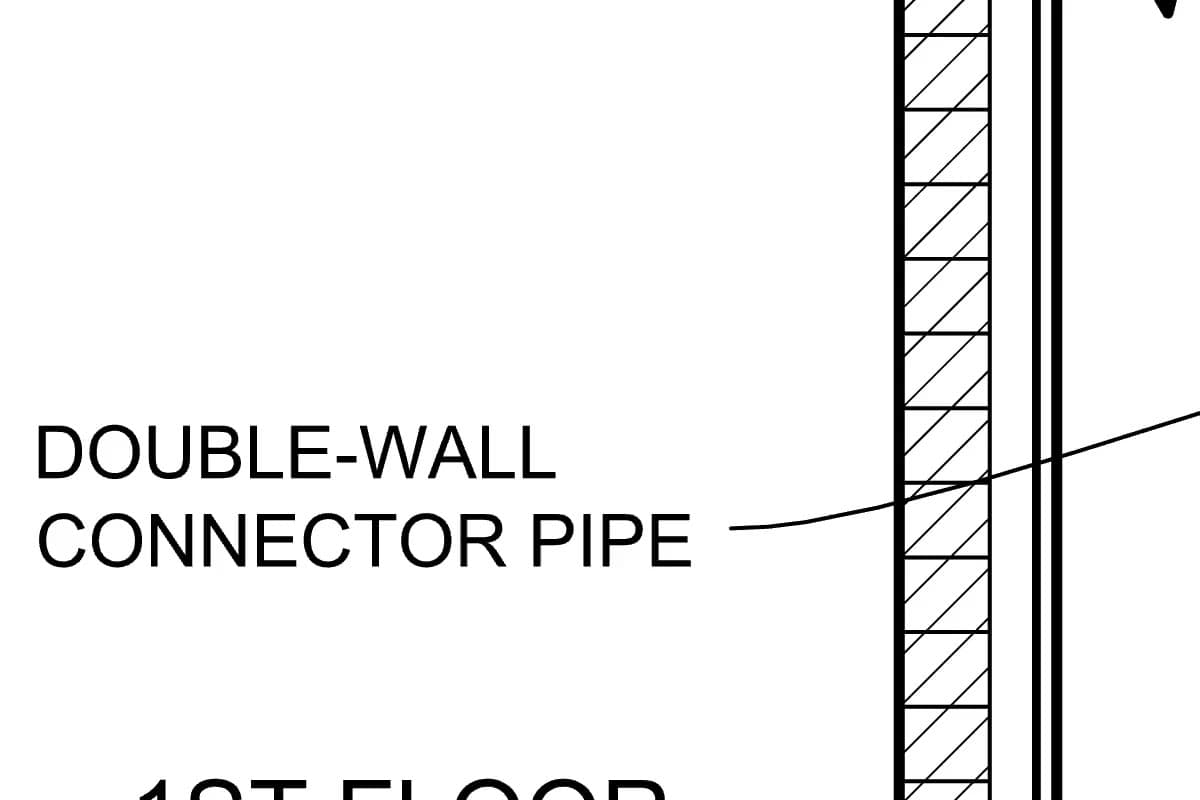
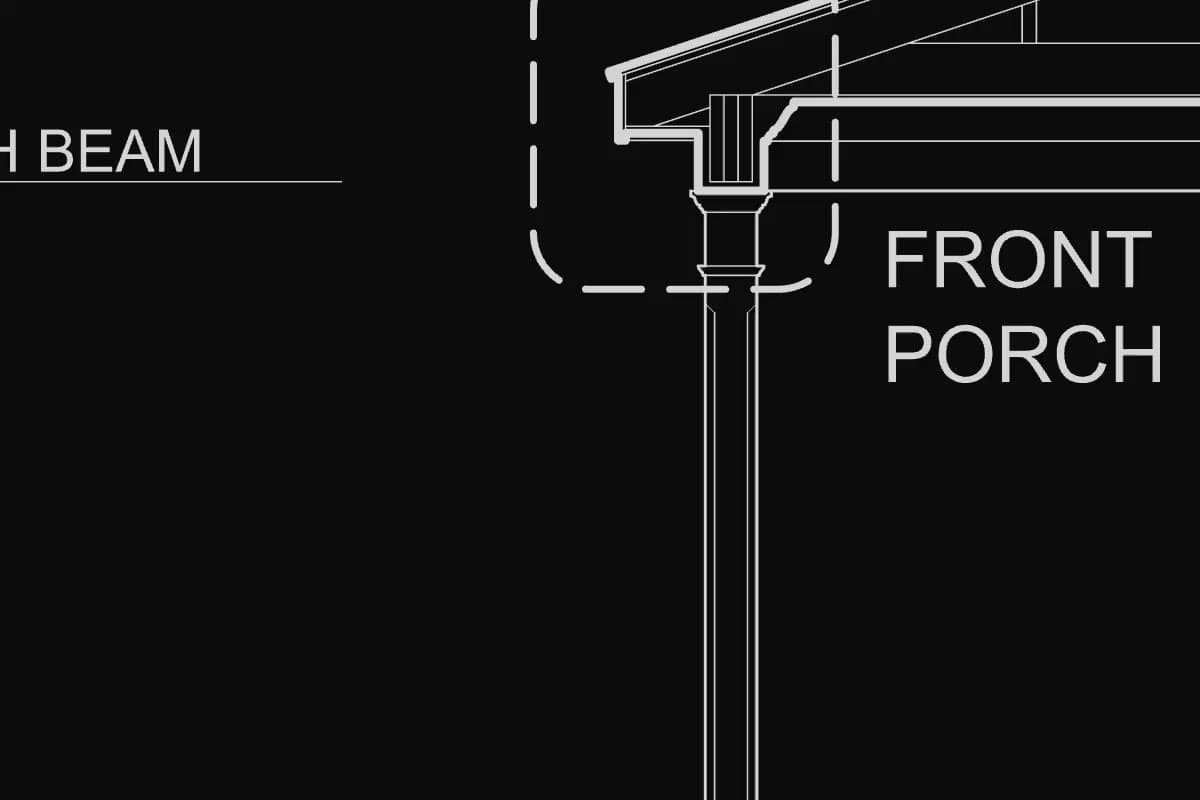
Snap targets come from the PDF's own linework and from your markups, drawn with the same symbols CAD users already read.
- Endpoint, midpoint, intersection, center, quadrant, perpendicular, and nearest
- Extension and alignment guides, including composed horizontal and vertical locks
- Snapping while you move a selection, not only while you draw
- Hold Alt to place a point freely, or toggle snaps from the status bar
Measure & scale
Measure to scale, then type the exact value.
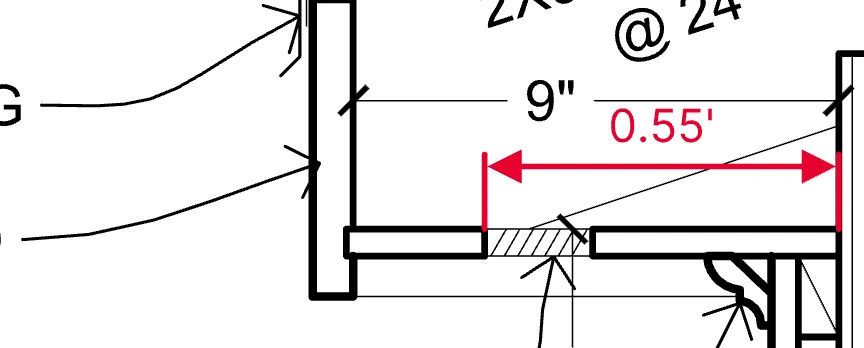
Set the drawing scale from a standard ratio or a custom equation, and every length and area reports in real-world units at the precision you choose.
- Measure and Area tools with running totals and perimeters
- Type lengths, angles, slopes, and roof pitch, with math such as 4*2 and feet-inches such as 3-6
- Cross-unit entry: type 5m on an imperial sheet and it converts
- Dimension labels with your own text that stay live as geometry, scale, or units change
CAD-style editing
Draft on the PDF like it's CAD.
Build and fix geometry without leaving the review. Trim and extend work on the PDF's own linework too, and the object extractor turns any of it into editable entities.
- Offset with distance, count, and side, for walls, setbacks, and buildable lines
- Trim, extend, mirror, rotate, and fillet
- Arc and bezier segments you can reshape or set to an exact radius
- Object extractor and vector screenshot to reuse existing linework

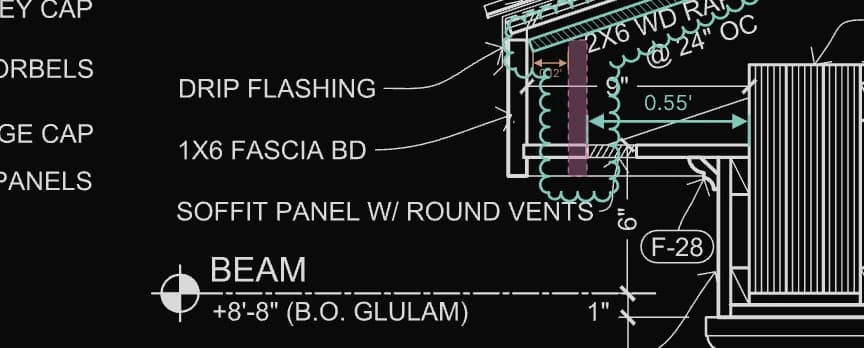
Markup
Clear markups your next reviewer can read.
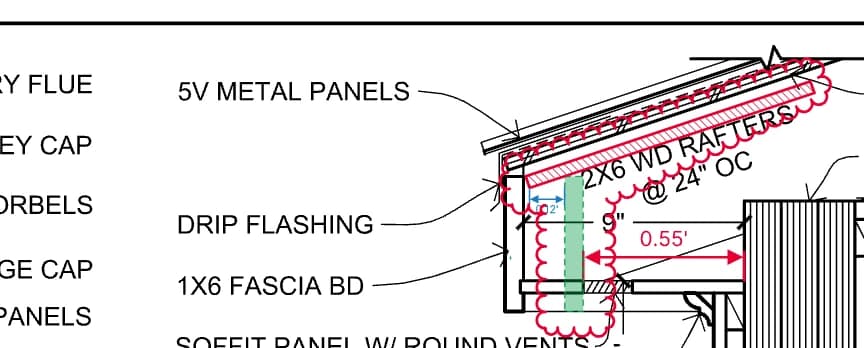
Clouds, callouts, text, and shapes with drafting-grade styling, so redlines communicate intent instead of adding noise.
- Revision clouds, including a cloud around any selection
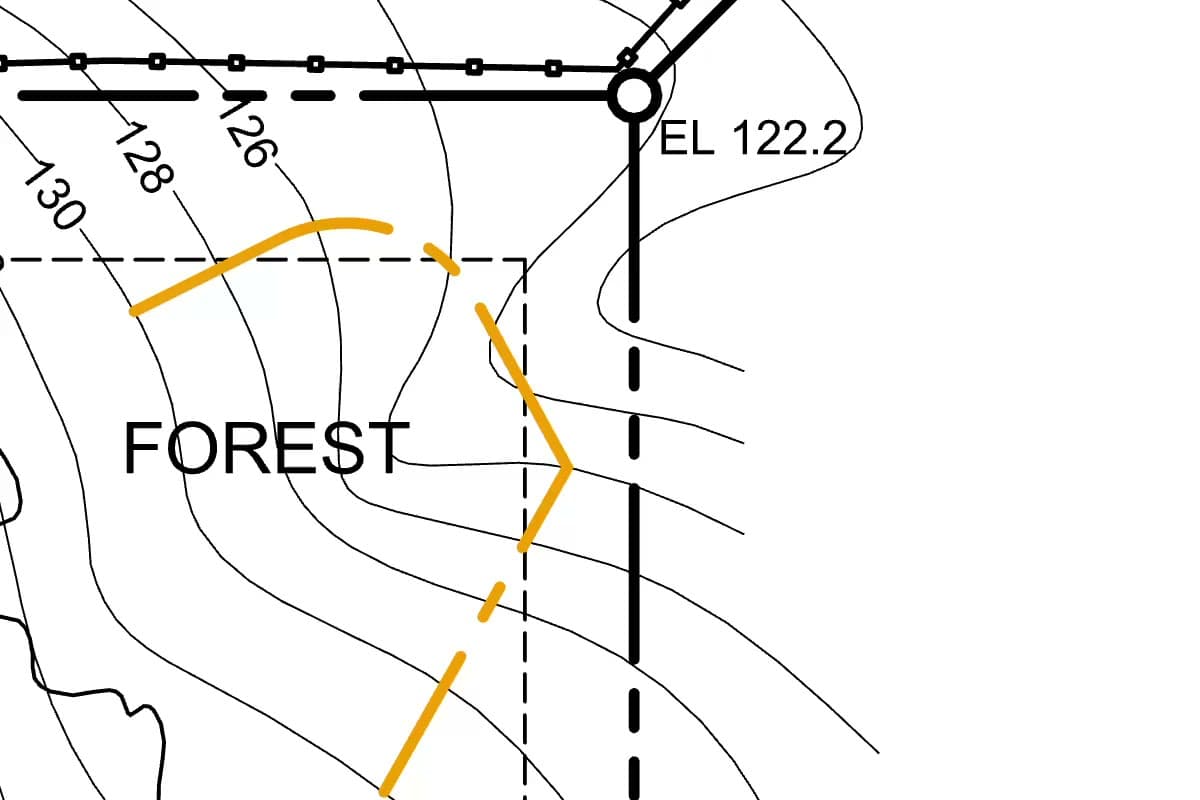
- Linetypes that match Revit's default line patterns, plus hatch and pattern fills
- Region fill that traces rooms and other regions bounded by linework
- A personal library of markups you can place across a range of sheets, and vector signatures
Collaboration
One live drawing for the whole review.
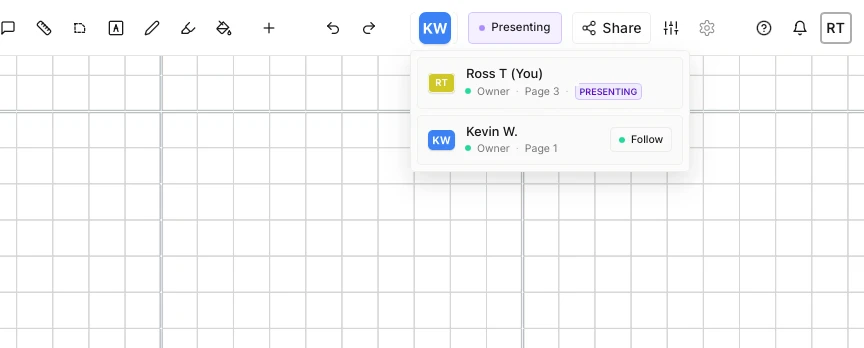
Share a document by link and everyone works on the same canvas, live. There's no separate session to host.
- Invite links with roles, from view-only to full editing
- Live presence with cursors on every sheet and pane
- Comment threads pinned to the exact spot on the drawing
- Follow camera to walk the team through a sheet as you pan and zoom
Export
Out the way it came in, or better.
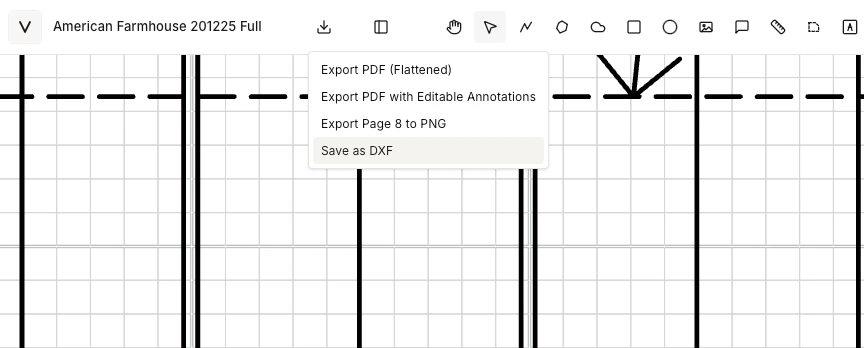
Hand off a record that opens anywhere, or send the geometry straight back to CAD.
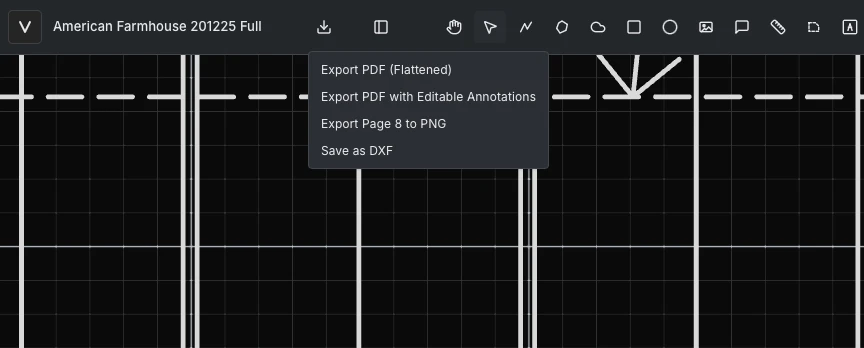
- Flattened PDF for distribution, or editable PDF with markups as annotations
- DXF with the drawing, the markups, or both, with presets for styles and layers
- PNG images of the page or view for slides and email
- PDF layer visibility and colors carry through to export
Assistant · Beta
Say what you need.
It drafts with the real tools.
The assistant runs against the open drawing using Vellum's own tools, so everything it creates is ordinary, editable geometry. Bring your own Claude account through Vellum's MCP connector for the bigger jobs. Vellum doesn't run its own model or bill you for tokens.
- Plain-language commands: set the scale, measure a selection, draw a 20' circle, cloud every markup on a page
- Connect your own Claude to count symbols, build takeoff quantities, and export them as CSV
- Compare two sheets and cloud what changed between revisions
- Draft RFIs, punch lists, and review summaries from the drawing
- One instruction, one undo, with a manifest of every change and a dry-run preview
- No drawing content stored: assistant memory keeps derived metadata only
The toolset
Forty-plus tools, built on vectors.
Everything you draw in Vellum is a vector entity: crisp at any zoom, snappable, editable, and exportable long after you create it.
Draw & annotate
- Polyline (line, arc & bezier)
- Polygon
- Rectangle
- Circle & ellipse
- Revision cloud
- Callout
- Text
- Pen
- Highlight
- Image
- Vector signatures
Measure
- Measure
- Area
- Drawing scale
- Units & precision
- Editable dimension labels
Precision & vector
- Snap to endpoints, midpoints & intersections
- Typed lengths, angles & slopes
- Smart guides (beta)
- Offset
- Trim & extend
- Mirror, rotate & fillet
- Object extractor
- Vector screenshot
- Region fill
- Text select
Style & organize
- Markup layers
- PDF layer control
- Linetypes & arrowheads
- Fill, hatch & patterns
- Markup library
- Document night mode
Navigate sets
- Page, scroll & grid views
- Split screen
- PDF text search
- Command palette
Collaborate
- Sharing & roles
- Live presence
- Comments
- Follow camera
Assistant (beta)
- Plain-language drafting commands
- Connect your own Claude
- Counts & takeoff quantities
- Sheet compare & revision clouding
Export
- Flattened or editable PDF
- DXF
- PNG
See it on your own drawings.
Open a sheet in the browser, snap to the linework, and export it back out. No install, nothing to configure.
10-day free trial · No credit card required · Pro is $12 per user/month